
Description
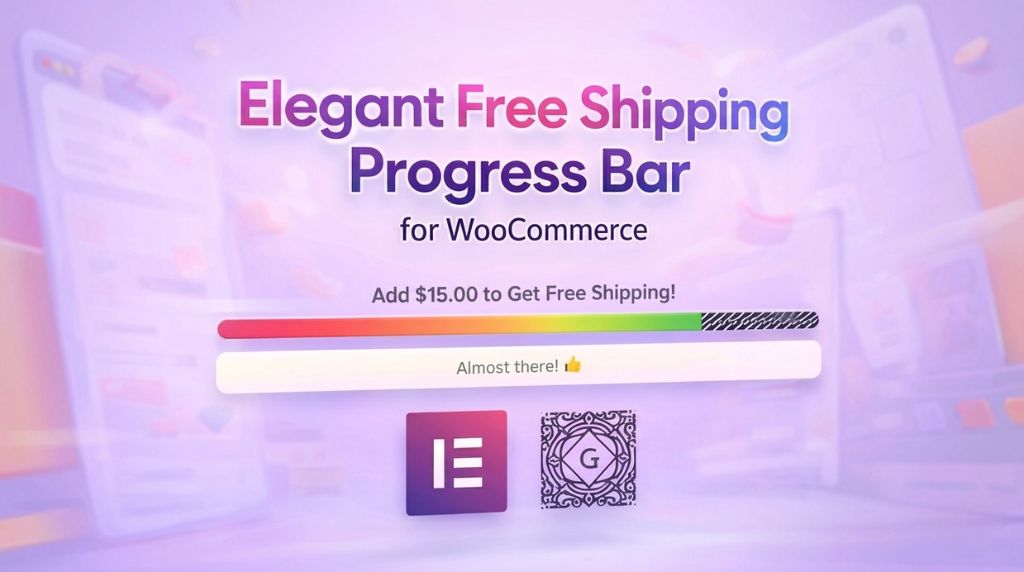
The Elegant Free Shipping Progress Bar for WooCommerce plugin is the most advanced and beautiful looking progress bar that will help you generate more sales via your WooCommerce shop.
This is the first and only progress bar that is fully compatible with both Elementor page builder and Gutenberg block editor.
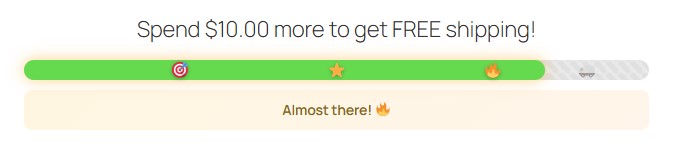
The Plugin Offers 2 Types of Visuals for Free Shipping Progress:
1. Free Shipping Progress Bar
The most popular way of displaying customers the free shipping progress as they add products to cart.
This is great for displaying the bar in product pages, cart, checkout pages etc.
2. Circular Shipping Progress
A new, eye-catching circular indicator which is great for sidebars and product pages. People naturally dislike incomplete circles, which encourages them to add more products to the cart and complete the circle!
Look how annoying this is… You just have to complete the circle right? 🙂

How the Plugin will Increase Your Shop’s Sales & Revenues:
-
Increase Average Order Value (AOV)
Encourages customers to add more products to unlock free shipping. -
Boost Revenue Without Discounts
Uses smart visual motivation instead of lowering prices. -
Can Be Inserted Anywhere in Your Store
Works on product pages, cart, checkout, shop, archive pages or anywhere you choose. -
Full Freedom of Placement
Place the progress bar anywhere on the page using Elementor or Gutenberg, without layout limitations. -
Motivates Action Through Visual Progress
Customers clearly see how close they are to free shipping, reducing hesitation. -
Leverages Completion Psychology
Progress indicators (including circular designs) naturally push shoppers to complete the goal. -
Increases Engagement and Reduces Cart Abandonment
Dynamic messages, real-time updates, and celebration effects keep shoppers focused on finishing checkout. -
Creates a Fun, Rewarding Shopping Experience
Turning free shipping into a visible achievement makes shopping feel more satisfying.
How to Use the Elegant Free Shipping Progress Bar?
You can add the free shipping progress bar to your store in two ways:
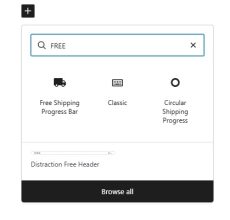
1. Gutenberg Block (Block Editor)
- Edit any page or post with the block editor
- Click the + button to add a new block
- Search for “Elegant Free Shipping Progress Bar”
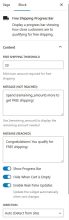
- Customize the appearance using the block settings panel
2. Elementor Widget
- Edit any page with Elementor
- Search for “Free Shipping Progress Bar” in the widget panel
- Drag and drop the widget to your desired location
- Customize using the widget controls
Key Features of the Plugin
- Real-time Updates – Progress bar updates automatically when cart changes
- Customizable Threshold – Set your own free shipping minimum amount
- Multiple Styles – Choose from glossy, neon, glass, 3D, gradient, and more
- Animations – Add pulse, shimmer, wave, or glow effects
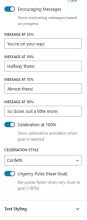
- Celebration Effects – Confetti, fireworks, and more when goal is reached
- Color Progression – Bar color changes as customers get closer to the goal
- Milestone Markers – Show progress milestones at 25%, 50%, 75%, 100%
- Encouraging Messages – Display motivational messages based on progress
- RTL Support – Full support for right-to-left languages
- And so much more!
Recommended Locations:
For best results, place the progress bar in highly visible locations:
- Cart page (above or below cart items)
- Checkout page header
- Site header or announcement bar
- Shop Page
- Category Pages
- Product pages
Progress Bar Screenshots:
Here are some screenshots of the progress bar. You can, of course customize its look and feel:
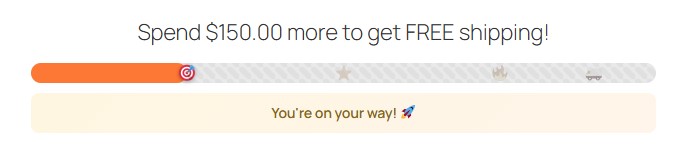
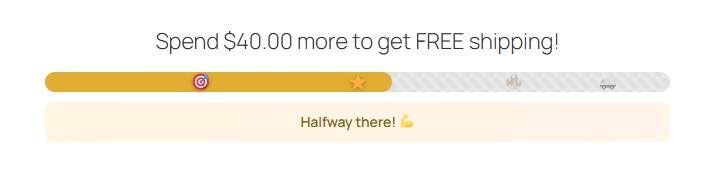


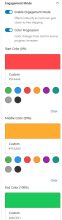
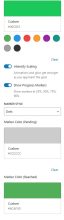
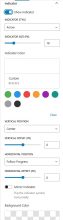
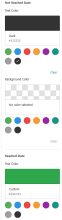
Elementor Widget & Gutenberg Blocks Settings:
For the complete settings screenshots click “Next” to your right >>
Video Tutorials
The Free Shipping Progress Bar for WooCommerce OverView:
The Free Shipping Progress Bar for WooCommerce & Elementor:
In this video we show you the free shipping progress bar widget for Elementor and how it instantly works right after you drag and drop the widget to the widgets area inside the desired page / template:
The Free Shipping Progress Bar for WooCommerce & Gutenberg:
In this video we show you the free shipping progress bar widget for Gutenberg and how it instantly works right after you add the block to the widgets area inside the desired page / template:
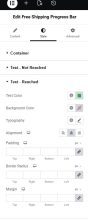
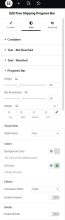
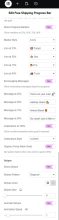
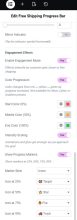
Elementor Widget Screenshots
Elementor Widget Settings:
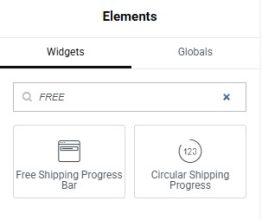
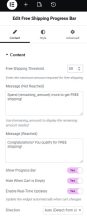
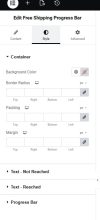
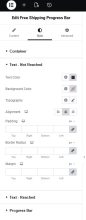
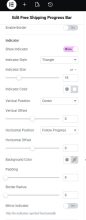
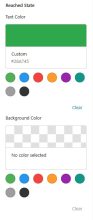
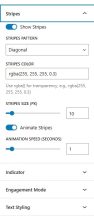
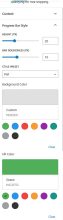
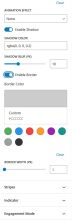
Gutenberg Blocks Screenshots
Gutenberg Blocks Settings:
Requirements
These are the requirements for the Elegant Free Shipping Progress Bar for WooCommerce Plugin:
- Latest Version: 1.0.0
- Product Type: WordPress Plugin
- Requirements: WordPress 6.8.3 and higher, WooCommerce 10.4.3 and higher
- For Elementor: Version 3.34.1 and higher