
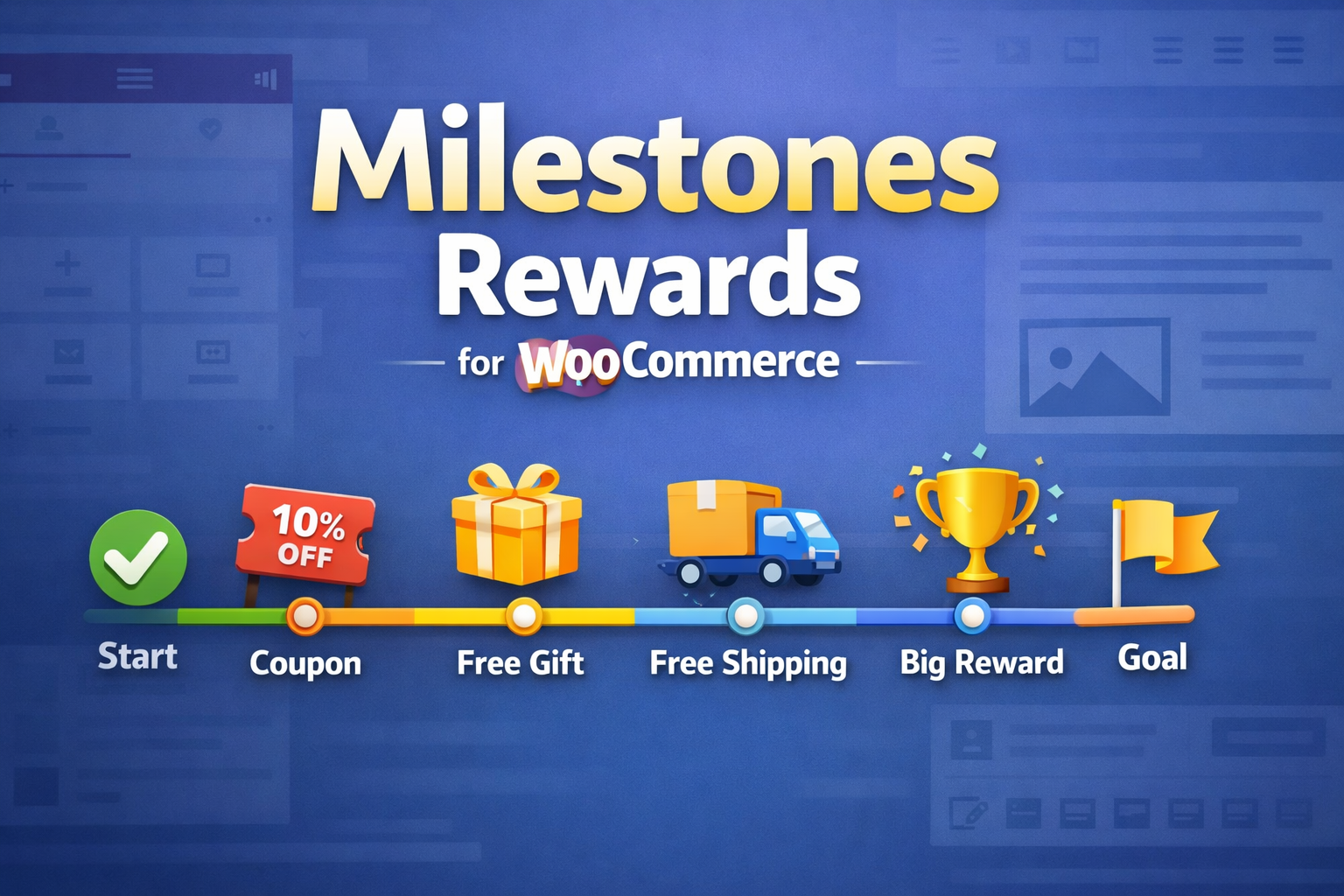
Your customers are already buying. Make them buy more.
Every shopper who lands on your cart page has already decided to spend money. The only question is how much. Milestones Rewards for WooCommerce turns that moment into an opportunity — showing customers exactly how close they are to unlocking a reward, and giving them a reason to add just one more item.
A progress bar. A free gift dangling just $12 away. A mystery reward waiting to be revealed. That’s all it takes to turn a $47 order into a $65 one.
The problem with “Free Shipping at $X”
You already know free shipping thresholds work. But a plain text message buried in your cart isn’t enough. Customers skim past it. They don’t feel the pull.
What if they could see how close they are? What if a beautiful, animated progress bar showed them they’re 80% of the way there — and a product suggestion appeared showing exactly what to add to close the gap?
That’s what this plugin does. And it works on the first day you install it.
How it increases your average order value
Show them the gap. A real-time progress bar tracks their cart total against your milestones. They see the bar fill up as they shop. They see the next reward waiting. The closer they get, the harder it is to leave it behind.
Show them what to buy. The Filler Products widget doesn’t just say “spend more.” It shows specific products in the right price range — filtered by category, sorted by relevance, with one-click add to cart. Remove the friction between “I’m close” and “I did it.”
Make the reward feel real. A locked mystery gift sits on the page, teasing what they could win. When they hit the threshold, it flips open with confetti and reveals the product. That dopamine hit? That’s what brings them back next time.
What your customers experience
Step 1: They add items to their cart and see a progress bar: “Spend $23 more to unlock free shipping!”
Step 2: Below the bar, they see 3 products in the $20-$30 range that they can add with one click.
Step 3: They add one. The bar fills up. Confetti explodes. A badge appears: “You unlocked free shipping!” And now the next milestone is visible: “Spend $15 more for a free gift!”
Step 4: They’re already invested. They add another item. A mystery box flips open and reveals a free product added to their cart.
Your average order value just went up 30%. No coupon codes. No discounts. No margin lost on the products they were already buying — just a better experience that made them want to spend more.
What you get?
3 Elementor Widgets
- Milestone Progress — The progress bar that does the heavy lifting. Choose from horizontal, circular, segmented, or vertical layouts. Pick from 11 ready-made templates (Luxury Gold, Neon Dark, Black Friday, and 8 more) or customize everything — colors, animations, bar styles, celebration effects. It auto-updates in real-time as the cart changes.
- Filler Products — Smart product suggestions that match the remaining amount. Price-range filtering, category targeting, one-click add. Shows customers exactly what to buy instead of making them figure it out.
- Secret Gift — A mystery product reveal with flip, pop, and slide animations. Set up a pool of products, configure the reveal modal, and let the surprise do the selling.
4 Reward Types per Milestone
- Free shipping — applied automatically
- Free gift — product added to cart at $0
- Coupon code — applied automatically
- Visual-only — for custom messaging or external integrations
Set it and forget it. Rewards are applied and removed automatically as the cart total changes. No manual intervention. No broken coupons. No orphaned free gifts.
Works everywhere your cart does
- Classic WooCommerce cart and checkout
- WooCommerce Blocks (block-based cart and checkout)
- Mini-cart widget
- Any page via shortcode
- Headless / Store API setups
Auto-insert into 6 locations without editing templates. Or use Elementor for pixel-perfect placement.
Looks the part
Nobody trusts a widget that looks like it was built in 2015. Every template in this plugin is designed to feel native to modern WooCommerce themes.
- 11 professional templates — from minimal to bold to seasonal
- Dark mode with auto-detection
- 7 celebration effects (confetti, fireworks, sparkle burst, and more)
- Smooth animations on every interaction
- RTL support for international stores
- Fully responsive — optimized for mobile, tablet, and desktop
Your store’s design language stays intact. The progress bar looks like it belongs there.
Built for store owners who measure results
Milestone Analytics — See which milestones get reached, which rewards are claimed, and what cart totals look like at the moment of each unlock. Use the data to dial in your thresholds and maximize the lift.
Preset Manager — Save your widget configuration and reuse it across pages. Running the same milestone setup on cart, checkout, and mini-cart? Set it up once, load it everywhere.
Developer hooks — mrw_milestone_reached fires every time a customer hits a milestone. Connect it to your email platform, analytics, or custom workflows.
What store owners are asking before they buy
“Will this slow down my site?”
No. The progress bar updates via lightweight AJAX calls. No full page reloads. The license check runs once per request and caches the result.
“Does it work with my theme?”
If your theme supports WooCommerce and Elementor, yes. The auto-insert feature hooks into standard WooCommerce template locations. For custom themes, use the shortcode or Elementor widget.
“What if a customer removes items after getting a free gift?”
The plugin handles it automatically. Drop below the milestone and the free gift is removed from the cart. The coupon gets unapplied. The progress bar adjusts. Everything stays in sync.
“Can I set up different milestones for different amounts?”
Yes. Create as many milestones as you want, each with its own amount, label, icon, color, reward type, and celebration effect. A customer spending $200 can unlock 4 different rewards on their way up.
The math is simple
If this plugin increases your average order value by even $5 — and you get 100 orders a month — that’s $500/month in additional revenue. From a plugin you set up once.
Most store owners see the impact within the first week. The progress bar creates a psychological pull that’s hard to ignore once it’s there.
Requirements
- WordPress 5.8+
- WooCommerce 5.0+
- Elementor 3.18+
- PHP 7.4+
—
Stop leaving money on the table. Your customers want to spend more — they just need a reason.