In this article we will guide you on how to integrate MemberPress, LearnDash and WooCommerce in 2 simple steps.
So when a customer will purchase membership product via WooCommerce he will also be assigned to a LearnDash course.
Before you start:
Make sure you have installed and activated the following plugins and add-ons:
- MemberPress
- LearnDash LMS
- LearnDash LMS - MemberPress Integration add-on
- WooCommerce
- MemberPress WooCommerce Plus
- WooCommerce Subscriptions add-on - Only for subscription-based payments
2 Step Integration Process:
Step #1 – integrate MemberPress and LearnDash
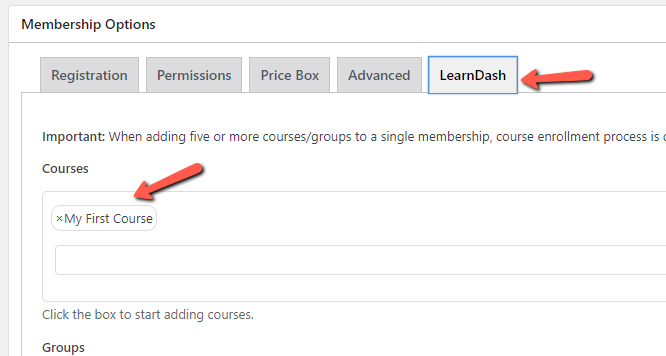
Click to edit the relevant MemberPress membership, scroll down to the LearnDash tab, choose the relevant course and click update.
Step #2 – Integrate MemberPress and WooCommerce
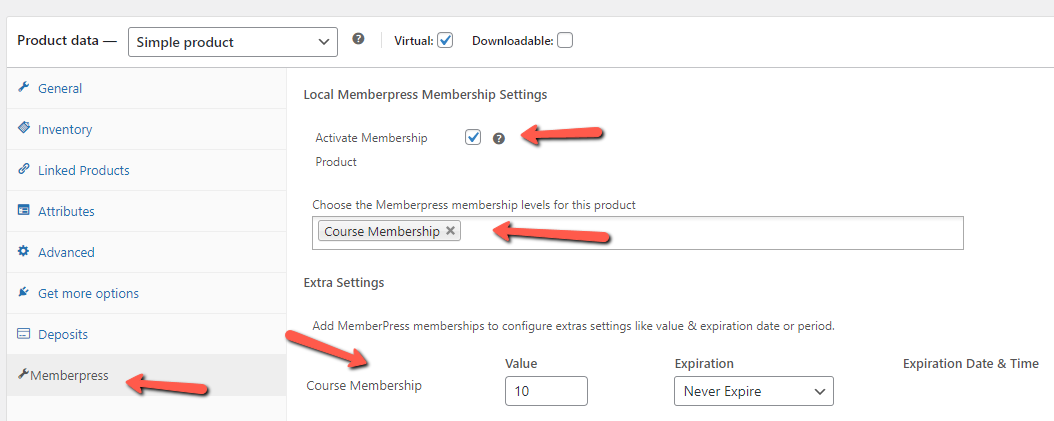
Go to Products > Add New, scroll down to the Product Data Meta Box and go to the MemberPress tab.
Activate the membership product, choose the relevant course membership/s, set the value and expiration date and publish.
Test that the integration is working:
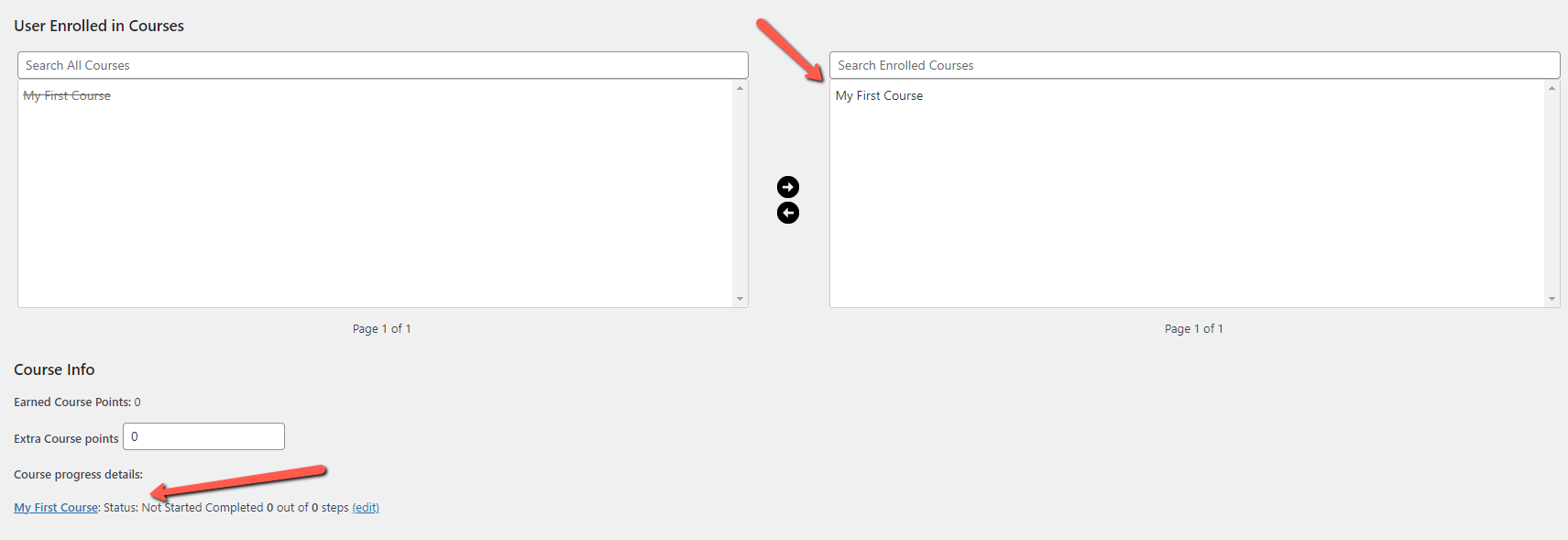
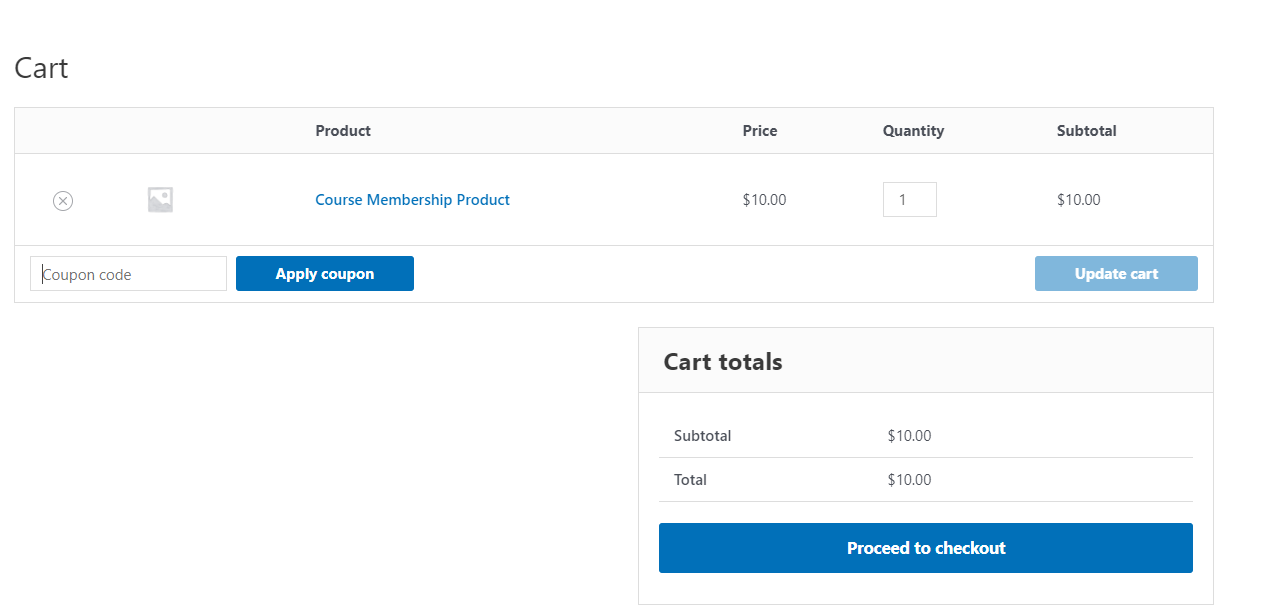
Now complete a successful payment and see that the customer is registered to the relevant MemberPress membership and LearnDash course:
Make sure the customer is assigned to the relevant MemberPress membership:

And that he is enrolled in the relevant courses: