The license key is required in order to activate any plugin purchased at HappyPlugins. In this article we go over where you can find the license key of the plugin you have purchased.
You can find the license key in 3 different locations:
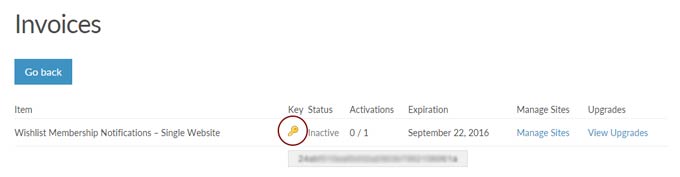
1. Go to My Account > Invoices > View Licenses
Go to the License Keys column in the table, click on View Licenses and then click on the key icon:
2. In the Purchase Confirmation Page
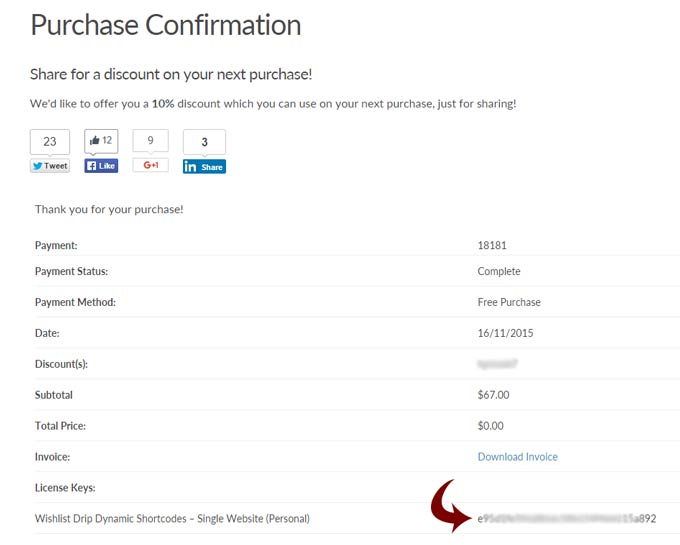
After a successful payment is complete you will be redirected to the Purchase Confirmation page, there you will find important information including: the plugin’s zip file, manual and license key as seen in the below screenshot:
3. In the Purchase Receipt
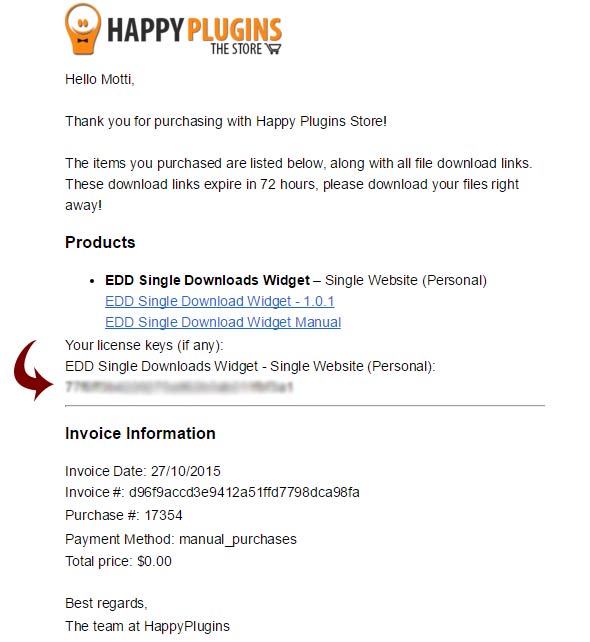
When you complete a purchase at HappyPlugins online store a purchase receipt is sent to your email.
In the purchase receipt you will find the plugin’s zip file, license key and manual as seen in the below screenshot: