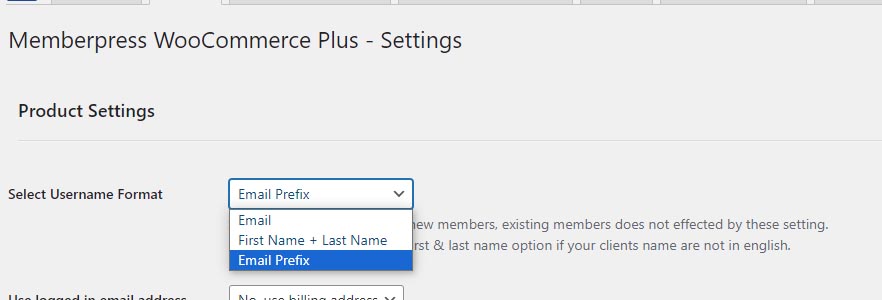
When customers purchase a membership product, you can choose their username to be their email address, their first and last name or their email prefix.
The username is used to login to the membership site.
The username format you choose will reflect in the MemberPress “Members” menu.
You can choose the easiest format based on your audience and customers’ profile.
For example: if your audience consists of elders, you may consider using their first and last name and the username.
There are 3 types of username formats: Email prefix, First & last name, Email address
To define the user format go to the plugin's Settings tab: